
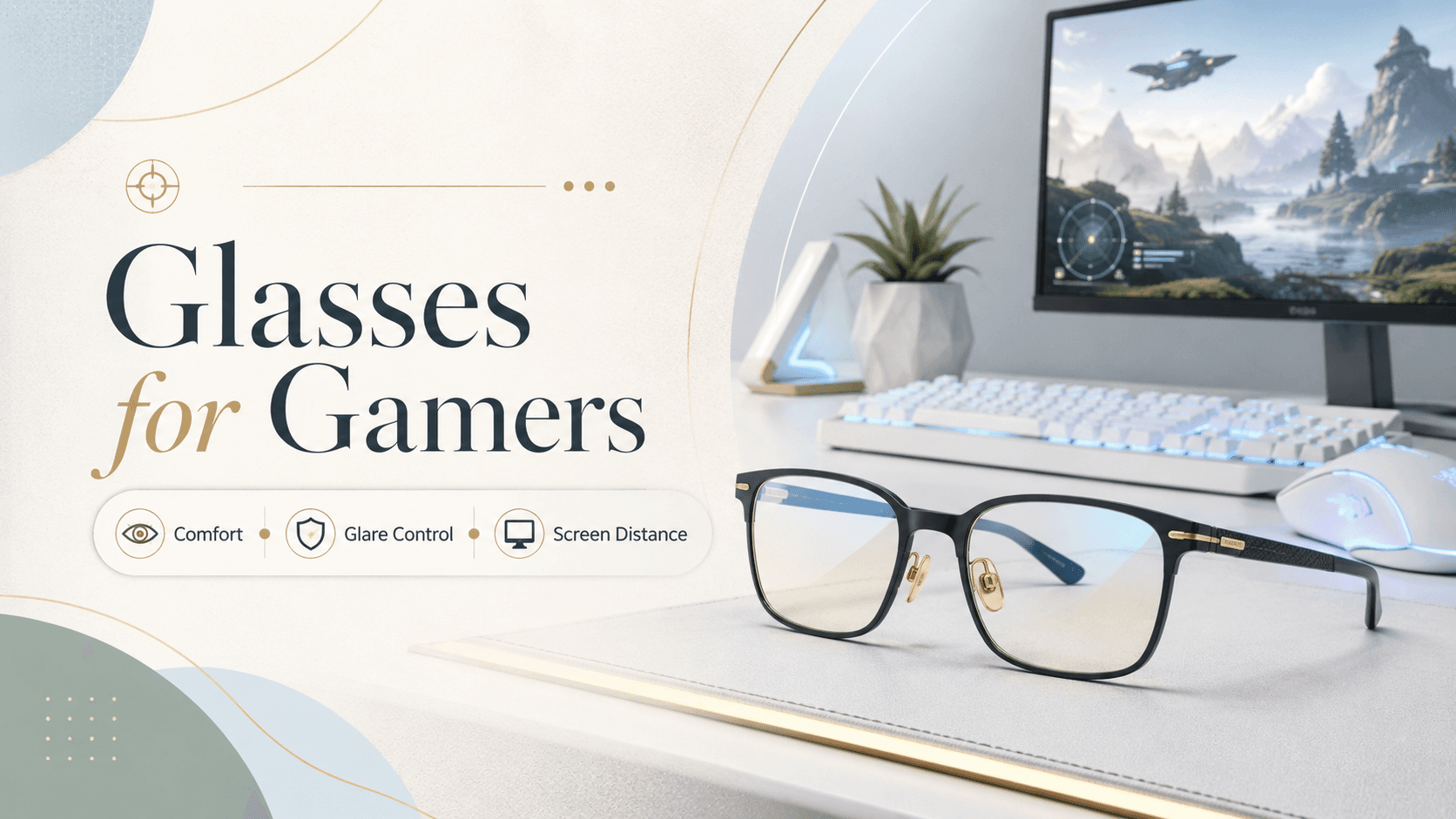
Gaming glasses help reduce digital eye strain by filtering high-energy blue light emitted by screens, cutting glare from monitors and room lighting, and providing the right focal distance for a typical screen setup — usually 50–90 cm away. You do not need a prescription to benefit from them, but players who already wear corrective lenses will find specific lens options that combine vision correction with gamer-friendly coatings.
Why Do Your Eyes Get Tired While Gaming?
Staring at a bright, high-refresh-rate screen for hours forces your eye muscles to hold a fixed focal point without a break. This is called digital eye strain (also known as computer vision syndrome). Symptoms include dry eyes, blurred vision, headaches and even neck pain from leaning toward the screen. Blue light, which sits at the high-energy end of the visible spectrum, contributes to this fatigue — especially during evening sessions when your natural light exposure is low.
Blue-Light Lenses vs Anti-Glare Coatings: What Is the Difference?
Blue-light filtering lenses have a material or coating that absorbs or reflects a portion of the 380–500 nm wavelength range. They reduce the total blue-light dose reaching your retina and can ease eye fatigue during long sessions. Anti-reflective (AR) coatings, on the other hand, eliminate surface reflections from the lens itself — the kind that create ghost images or halos around your monitor. For gamers, the ideal lens combines both: blue-light filtering built into the lens material and a multi-layer AR coating on the surface.
Choosing the Right Screen Distance and Lens Type
Monitor distance matters more than most gamers realise. At a standard gaming desk, your screen sits roughly 60–80 cm from your eyes — a range called intermediate vision. Standard single-vision reading glasses (optimised for 35–40 cm) are too close. Standard distance glasses may leave objects slightly soft at that mid-range. If you have a prescription, ask your optometrist about single-vision lenses optimised for intermediate distance, sometimes called office lenses or task lenses. These sharpen that 50–90 cm zone specifically.
Frame Fit: Why Comfort Matters as Much as the Lens
A gaming session can last three to five hours. A frame that pinches your temples or slides down your nose adds physical discomfort on top of eye fatigue. Look for these features when choosing gaming glasses:
Lightweight materials — TR-90 nylon or titanium frames weigh less and flex without breaking.
Rubber nose pads — keep the frame from sliding when you lean forward.
Temples that clear headphone arms — slim or straight temples reduce the pressure from wearing both at once.
Wraparound or semi-rimless styles — reduce peripheral light intrusion from side sources.
Do You Need a Prescription for Gaming Glasses?
If your vision is 20/20, a non-prescription pair with blue-light filtering and AR coating is sufficient. If you already wear glasses, simply request your existing prescription in a lens with a blue-light filter and AR coating — most optical retailers, including Rimloo, offer this as a lens upgrade option. Avoid buying generic blue-light glasses over a prescription need; uncorrected refractive error is one of the biggest drivers of gaming-related headaches.
Quick Tips for Reducing Gaming Eye Strain Beyond Glasses
Even the best lenses work better alongside good habits. Follow the 20-20-20 rule: every 20 minutes, look at something 20 feet away for 20 seconds. Lower your monitor brightness to match ambient room light, position the top of the screen at or just below eye level, and use a matte screen protector to cut surface glare at the source.
