
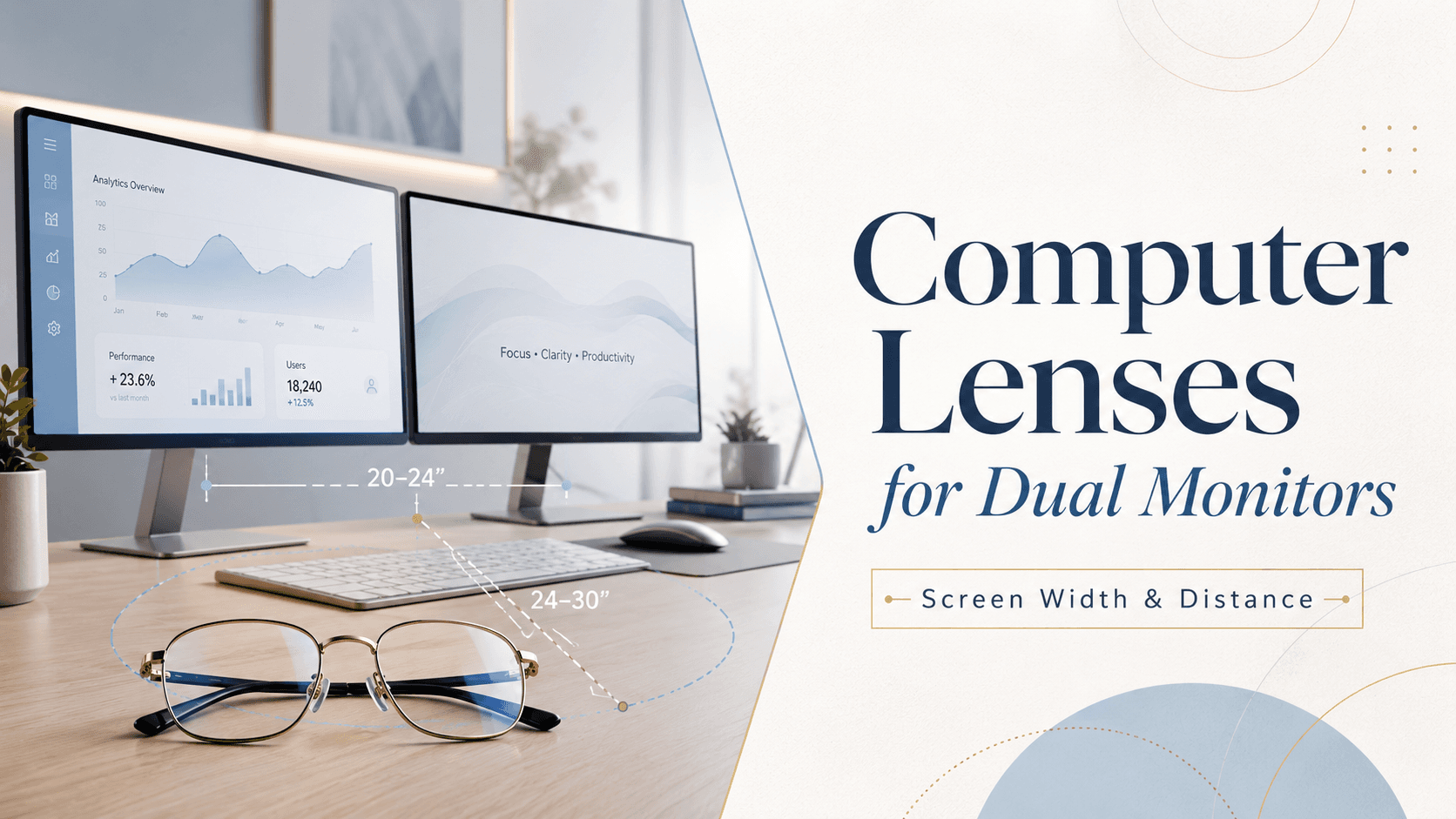
For dual-monitor setups, a standard single-vision or general progressive lens is rarely optimised enough. Your eyes must repeatedly shift across a wider horizontal arc — often 120 cm or more — while holding focus at a fixed intermediate distance of roughly 50–80 cm. The right computer lens widens the intermediate zone and reduces the muscular effort behind every lateral glance, cutting down digital eye strain significantly.
How Dual Monitors Change the Visual Demand on Your Eyes
A single monitor typically sits within a 30–40° horizontal field of view. Add a second screen and that field can stretch to 60–90°. Every time your gaze crosses from one panel to the other, your eye muscles must converge, diverge, and re-focus — a cycle that repeats hundreds of times a day. Over hours, this cumulative effort produces the hallmark symptoms of digital eye strain: headaches, blurred vision, dry eyes, and neck tension from constantly repositioning your head.
Why Screen Distance Is Not One-Size-Fits-All
Most optometrists calculate a reading prescription for roughly 40 cm. But monitors — especially large ultrawide or dual 27-inch panels — typically sit at 60–80 cm. That gap means a standard reading prescription leaves text slightly soft at arm's length. A dedicated computer or occupational progressive lens is ground for the intermediate zone first, with a secondary near zone below, so you get sharp focus at the actual working distance rather than an approximated one.
Measuring Your Personal Working Distance
Before visiting an optometrist, measure the distance from your eyes to the centre of your screens (not the edge). For a dual-monitor spread, also note how far the outer edges are. Share both figures during your eye test. This lets the practitioner customise the intermediate corridor width to match your real-world setup rather than a generic desk assumption.
What Type of Lens Works Best for Dual Monitors?
There are three main options worth considering:
Single-vision computer lenses — Ground for one fixed intermediate distance. Best if you do not need a separate near zone for printed documents.
Occupational progressives (office lenses) — Provide a large intermediate zone plus a near zone at the bottom. Ideal for mixed tasks: typing, reading hard copy, and scanning two screens.
Blue-light-filtering computer lenses — Available as a coating or built into the lens material. These reduce high-energy visible light emitted by LED panels, which may help with eye comfort over long sessions.
The Role of Blue Light Filtering in a Dual-Monitor Environment
Two screens mean roughly double the blue light output directed at your eyes. While research on blue light and long-term retinal damage is still evolving, there is consistent evidence that blue light contributes to glare and may interfere with melatonin production when used in the evening. Adding a blue-light filter to your computer lens is a low-cost upgrade that many users find noticeably comfortable, particularly during late work sessions.
Ergonomics and Lens Design Work Together
Even the best computer lens cannot fully compensate for a poorly arranged workstation. Position both monitors at the same height, keep the top of each screen at or just below eye level, and angle them inward slightly so each screen face is equidistant from your eyes. Combine correct ergonomics with lenses matched to your actual working distance and you remove the two biggest triggers of dual-monitor eye fatigue at once.
If you are ready to explore purpose-built options, Rimloo offers a range of prescription eyeglasses that can be configured with occupational progressive or blue-light-filtering lenses — tailored to your exact screen distance and prescription.
