
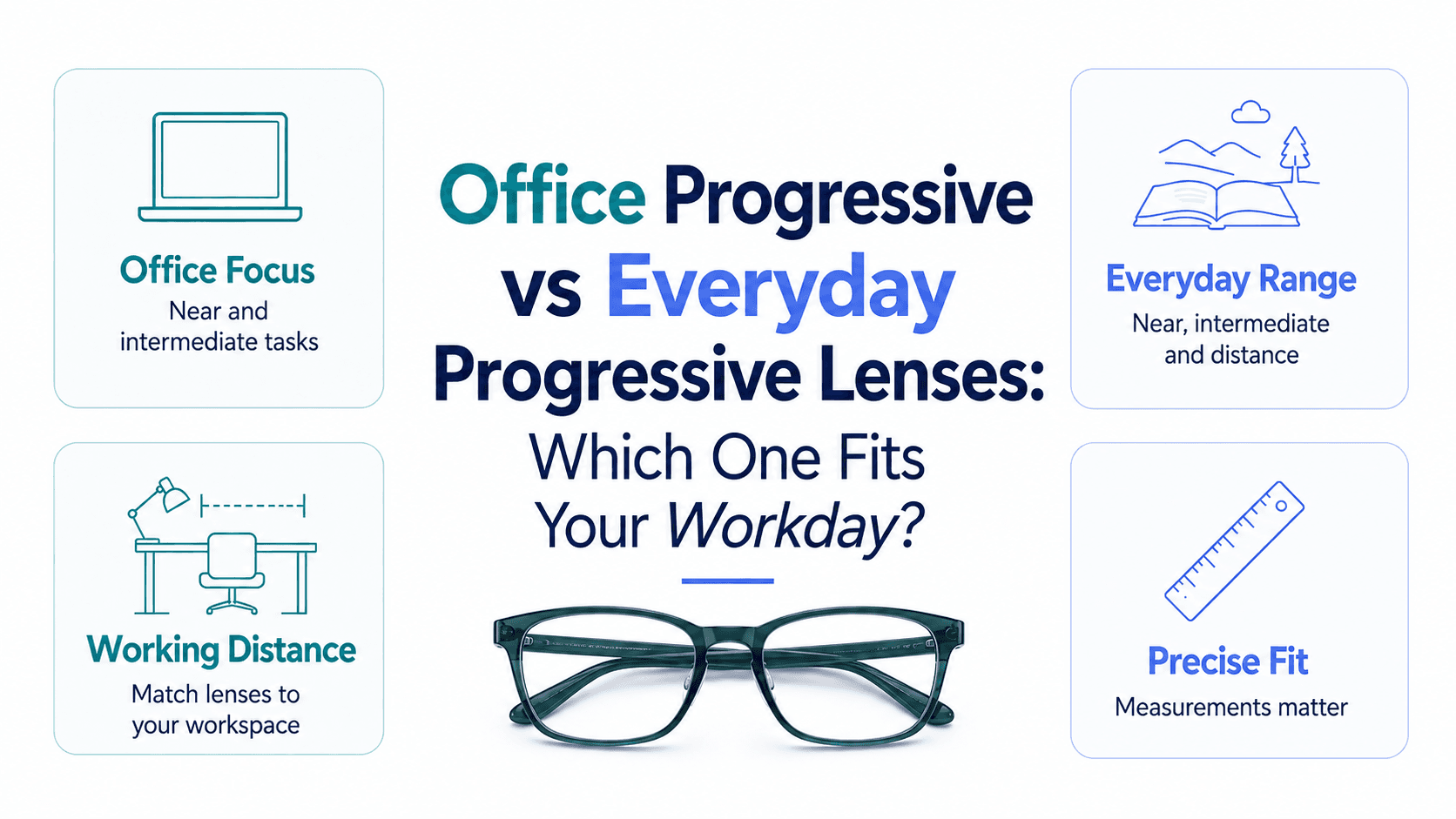
Office progressive lenses are optimised for near-to-intermediate distances (roughly 40 cm to 4 metres), making them ideal for desk work, screen use, and face-to-face meetings. Everyday progressives cover the full distance range — near, intermediate, and far — but compress each zone to fit all three, which can mean narrower, less comfortable reading and computer zones for heavy computer users.
What Exactly Is an Office Progressive Lens?
An office progressive, sometimes called a near-variable focus or degressive lens, sacrifices distance vision beyond about 3–4 metres in exchange for a much wider and more comfortable near and intermediate corridor. The result is a lens that lets you read documents, look at your monitor, and glance across the conference table — all without the neck strain that comes from hunting for the sweet spot in a standard progressive.
How Does an Everyday Progressive Compare?
A standard everyday progressive gives you three full zones: distance (driving, outdoors), intermediate (computer, arm's length), and near (reading). This versatility is its strength, but each zone is narrower than a dedicated lens. For someone who commutes, drives, and works a desk job, it remains the practical all-rounder. For someone who sits at a screen for six or more hours a day, the compromised intermediate zone can lead to eye fatigue, awkward head tilting, and reduced productivity.
Office Progressive vs Everyday Progressive: Key Differences at a Glance
Distance range: Office progressives cover up to ~4 m; everyday progressives cover 6 m and beyond.
Near and intermediate zone width: Office lenses offer a noticeably wider reading and screen zone.
Outdoor usability: Everyday progressives win — office lenses blur objects at driving distances.
Head and neck comfort: Office lenses reduce the chin-tilt posture many desk workers unconsciously adopt.
Best pairing: Many professionals keep office progressives at their desk and a separate pair of everyday progressives or prescription sunglasses for commuting.
Who Should Choose an Office Progressive?
You are a strong candidate for office progressives if you spend the majority of your working day at a computer or reading documents, already wear everyday progressives but notice eye fatigue or headaches by mid-afternoon, or work in an environment — like a studio, lab, or trading floor — where everything important sits within arm's reach to a few metres. They are not a replacement for your everyday pair; think of them as a specialised tool, like ergonomic footwear for your eyes.
Who Should Stick With Everyday Progressives?
If your day involves a mix of driving, outdoor movement, desk work, and reading — and you prefer managing a single pair — an everyday progressive with a wide-corridor, premium design is the smarter choice. Modern premium everyday progressives have improved intermediate zones significantly, narrowing the gap with office-specific lenses for moderate computer users.
Can You Wear Both?
Absolutely, and many ophthalmologists recommend it. A two-pair strategy — office progressives at your workstation and everyday progressives in your bag — gives you optimised vision for every context without compromise. At Rimloo, you can build both pairs at competitive prices, with options to add anti-reflective coatings and blue-light filters that further ease screen-related strain.
