
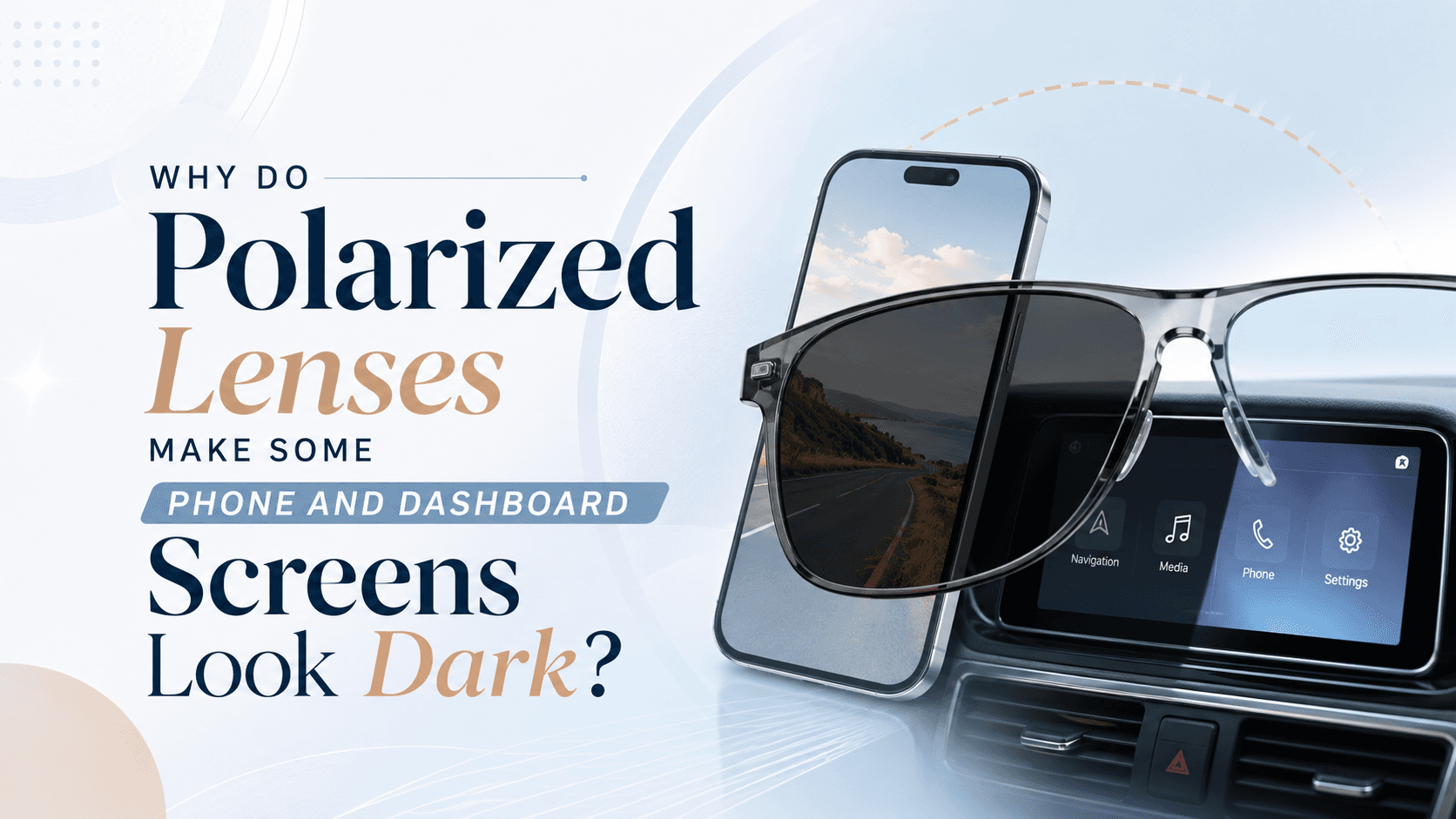
Polarized lenses block horizontally reflected light to cut glare — but that same filtering technology can make LCD and OLED screens appear dark, dimmed, or even completely black when viewed at certain angles. This happens because most digital screens emit light that is already polarized, and when the polarization direction of the screen aligns with the blocking axis of your lens, the two cancel each other out.
How Do Polarized Lenses Actually Work?
Light from the sun scatters in all directions, but when it bounces off flat surfaces like roads, water, or car bonnets, it becomes concentrated into a single horizontal plane. Polarized lenses contain a chemical filter oriented vertically that blocks this horizontally polarized light, dramatically reducing glare and eye strain outdoors.
This vertical filter is the key to understanding the screen problem. When the polarized light emitted by a screen is oriented the same way as the light your lens is designed to block, the lens treats the screen's light just like glare — and cuts it out.
Why Do Specific Screens Go Dark?
Not every screen is affected equally. Here is what matters:
LCD screens pass light through a polarizing layer to create the image. The light leaving an LCD is polarized, usually at 45 or 90 degrees depending on the manufacturer.
OLED screens use a circular polarizing filter on top to reduce reflections. When viewed through a linearly polarized lens, the circular polarization can interfere significantly.
Dashboard displays in modern cars often use LCDs oriented in landscape mode. Hold your head at the standard driving position and your polarized lens may align exactly with the screen's blocking axis — causing it to dim or vanish entirely.
ATM screens, petrol pump displays, and some laptop screens can show the same effect for the same reason.
Does Rotating the Screen — or Your Head — Fix It?
Yes, partially. The dark effect is angle-dependent. Tilting your head about 45 to 90 degrees often restores the image because you are shifting the alignment between the lens axis and the screen's polarization axis. However, this is impractical while driving or using an ATM. Rotating a phone from portrait to landscape mode can also change the effect because it changes the screen's polarization orientation relative to your lens.
Polarized vs. Non-Polarized Sunglasses: Which Is Better for Drivers?
Polarized lenses are excellent for outdoor glare in open environments — on water, beaches, and open highways. However, if you frequently check your car's navigation screen, rearview camera display, or digital instrument cluster, non-polarized tinted lenses or photochromic lenses may serve you better. The glare reduction is slightly less aggressive, but you retain full visibility of every screen at every angle.
Can Anti-Reflective Coating Help?
Anti-reflective (AR) coating addresses reflections on the back surface of your lens, not the polarization interaction with screens. It will not eliminate the dark-screen effect. The only reliable fix is choosing a non-polarized lens when screen visibility is a priority, or accepting the trade-off and tilting your head slightly when needed.
At Rimloo, you can filter sunglasses by lens type so you always pick the right optical technology for how you actually live and drive. Understanding your lenses is the first step to genuinely comfortable vision — indoors and out.
