
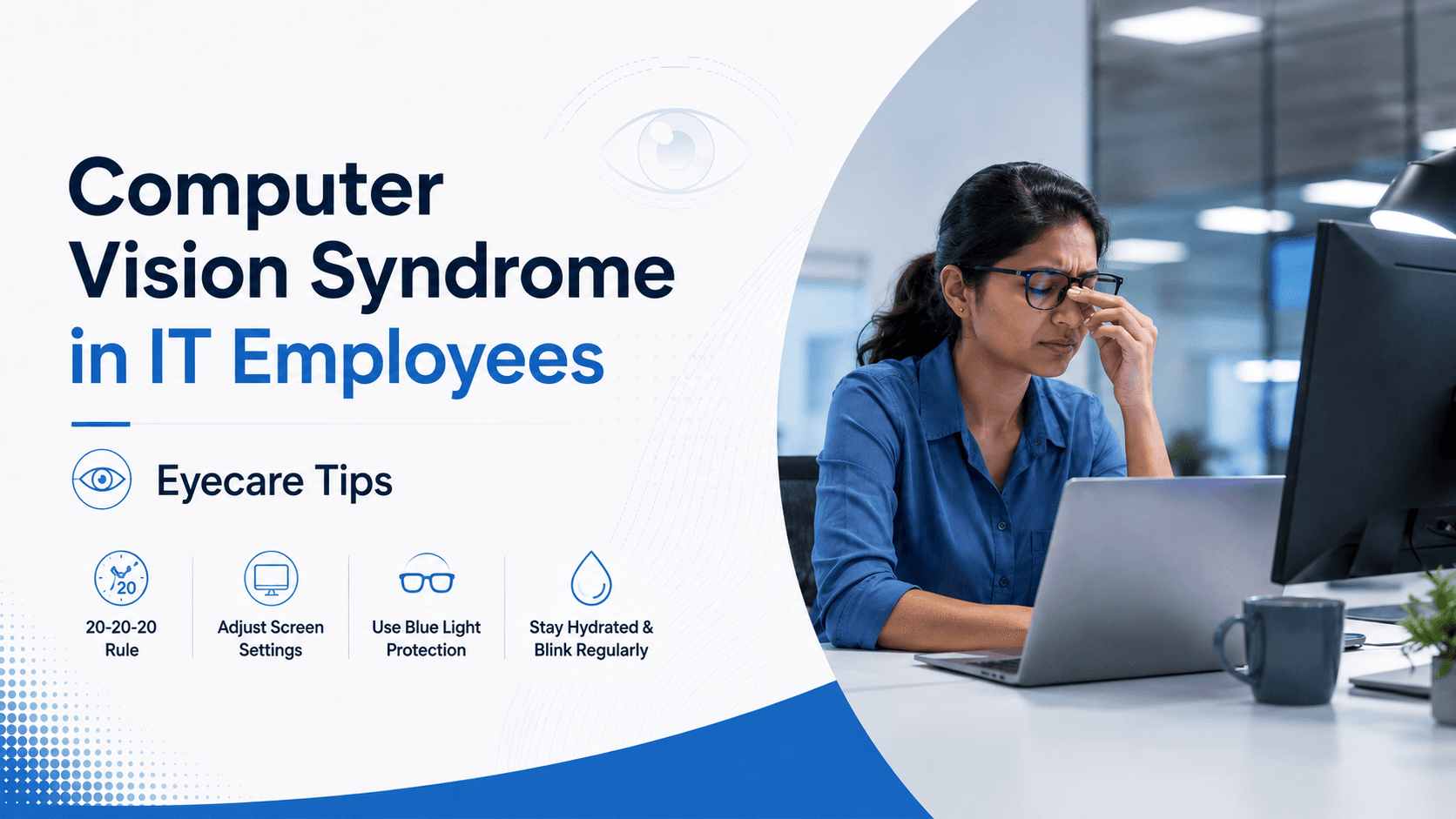
Computer Vision Syndrome (CVS), also called digital eye strain, is a cluster of eye and vision problems caused by prolonged use of digital screens. IT professionals who spend 8 or more hours daily on computers are among the most affected. Symptoms range from dry, tired eyes and blurred vision to headaches and neck pain — and they tend to worsen the longer screen habits go unaddressed.
What Exactly Is Computer Vision Syndrome?
CVS is not a single condition but a spectrum of symptoms that emerge when the visual system is overworked by sustained screen use. Unlike reading a printed page, reading a digital screen forces your eyes to continuously refocus, adjust to pixel-based contrast, and manage glare — all of which create cumulative strain over a workday.
According to the American Optometric Association, CVS affects up to 90% of people who use computers for more than three hours a day. In India's booming IT sector, where workdays routinely stretch beyond eight hours and remote work has pushed screen time even higher, this translates into a massive and underreported occupational health issue.
Why Are IT Employees Particularly Vulnerable?
The nature of software development, data analysis, and tech support work demands near-constant visual attention to screens. Several factors compound the risk for IT professionals specifically:
Extended screen hours: Most IT roles involve 8–12 hours of active screen use daily, far exceeding the threshold at which CVS symptoms typically begin.
Multiple monitors: Working across two or three screens forces the eyes to shift focal distance repeatedly throughout the day.
Poor workstation ergonomics: Monitors placed too close, too far, or at the wrong height increase both eye and postural strain.
Air-conditioned offices: Low-humidity environments reduce the natural moisture layer on the eye's surface, accelerating dryness and irritation.
Uncorrected or under-corrected vision: Even a mild, undetected refractive error becomes significantly more symptomatic during prolonged screen use.
Recognising the Symptoms of CVS
CVS symptoms are often dismissed as ordinary tiredness. Knowing the specific signs helps you seek intervention earlier rather than letting the condition progress.
Blurred or double vision, especially late in the workday
Dry, burning, or itching eyes
Frequent headaches centred around the forehead or temples
Difficulty shifting focus between the screen and distant objects
Increased sensitivity to light (photophobia)
Neck, shoulder, or upper back stiffness linked to eye-driven posture adjustments
If you experience three or more of these symptoms regularly on workdays, a comprehensive eye examination is your most important next step.
The Role of Blue Light in Digital Eye Strain
Screens emit a portion of high-energy visible (HEV) light, commonly called blue light. While the scientific debate about blue light's direct role in retinal damage is still ongoing, there is stronger evidence linking it to disrupted melatonin production — making it harder to fall asleep after evening screen use — and to increased glare sensitivity that contributes to eye fatigue.
Blue-light-filtering lenses are designed to reduce the amount of HEV light reaching the eye. Many IT professionals who have switched to these lenses report a noticeable reduction in end-of-day eye fatigue and improved sleep quality. They are available both as a coating on prescription lenses and in non-prescription form for people with perfect distance vision.
How to Prevent and Manage CVS: Evidence-Based Steps
Follow the 20-20-20 Rule
Every 20 minutes, look at an object at least 20 feet away for 20 seconds. This gives the ciliary muscles inside your eye a brief rest from sustained near-focus and is one of the most effective, zero-cost interventions available.
Optimise Your Workstation
Position your monitor so the centre of the screen sits roughly 15–20 degrees below your line of sight and 50–70 cm from your face. Reduce overhead glare by adjusting blinds or repositioning your monitor relative to windows. Increase text size rather than leaning in closer.
Adjust Screen Settings
Enable your operating system's night mode or warm-colour shift from early evening. Reduce screen brightness to match ambient room lighting. Increasing contrast and using dark mode for extended coding or writing sessions can further reduce the luminance difference your eyes must adapt to.
Blink Consciously and Stay Hydrated
Screen users blink up to 66% less than normal, drastically reducing the natural lubrication of the eye. Make a conscious effort to blink fully and frequently. Preservative-free artificial tear drops are a safe, effective short-term aid for dryness, but persistent dryness warrants a discussion with an eye care professional.
Get the Right Prescription Lenses
A standard distance or reading prescription may not be optimised for the intermediate focal distance of a monitor (typically 50–70 cm). Ask your optometrist about computer glasses or progressive lenses with a dedicated intermediate zone. Anti-reflective (AR) coatings are also essential — they eliminate the internal reflections within the lens that add to visual noise during screen use.
When to See an Eye Doctor
CVS is diagnosable and manageable, but it will not resolve on its own if the underlying cause — whether uncorrected refractive error, dry eye disease, or binocular vision dysfunction — is left untreated. Schedule a comprehensive eye examination if your symptoms persist beyond two weeks of implementing the preventive steps above, if your vision fluctuates noticeably during the day, or if you have not had an eye check in the past year.
IT professionals should ideally have an annual eye examination as a routine occupational health measure, not just a reactive one. Early correction of even minor refractive errors can produce a disproportionately large improvement in daily comfort and productivity.
